
8 Best Free Writing Apps for Android and IOS 2022
 Azaz Shaikh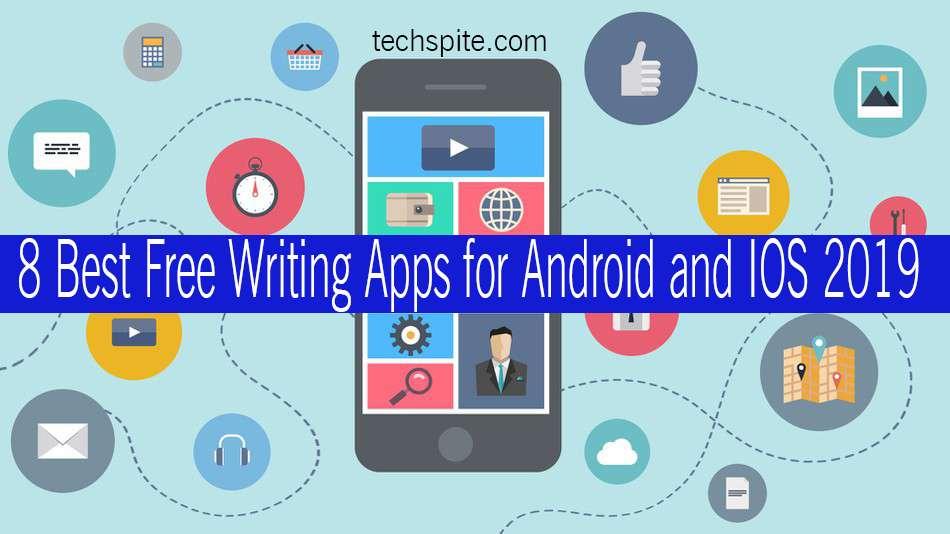
8 Best Free Writing Apps for Android and IOS 2022. In the 21st century as you know everyone is using smartphones android and iOS. Therefore, there is no need for Desktop or Laptop to write letters, documents, application or any other writing activities. Simply you can do it into your smartphones, I am going to introduce the 8 Best Free Writing Apps for Android and IOS 2022.
Here are the 8 best writing apps for iOS and Android according to us which is the best to write easily with your Android or iOS. they are something every writer should be aware of the writing apps. Whether you’re working on your novel, or just preparing reports for the office. Do you want to check out that because they are a big step up over the default notepad style apps and we are using the apps right which helped us write something without any problems.
8 Best Free Writing Apps for Android and IOS 2022
Let’s get started without wasting valuable time. I am going to guide one by one and the download link. All writing apps are easy and free to use whenever you need. Don’t need to waste money there are lots of free writing apps which I am going to introduce to you below.
Best Writing Apps 2022
1: JotterPad ( Android )
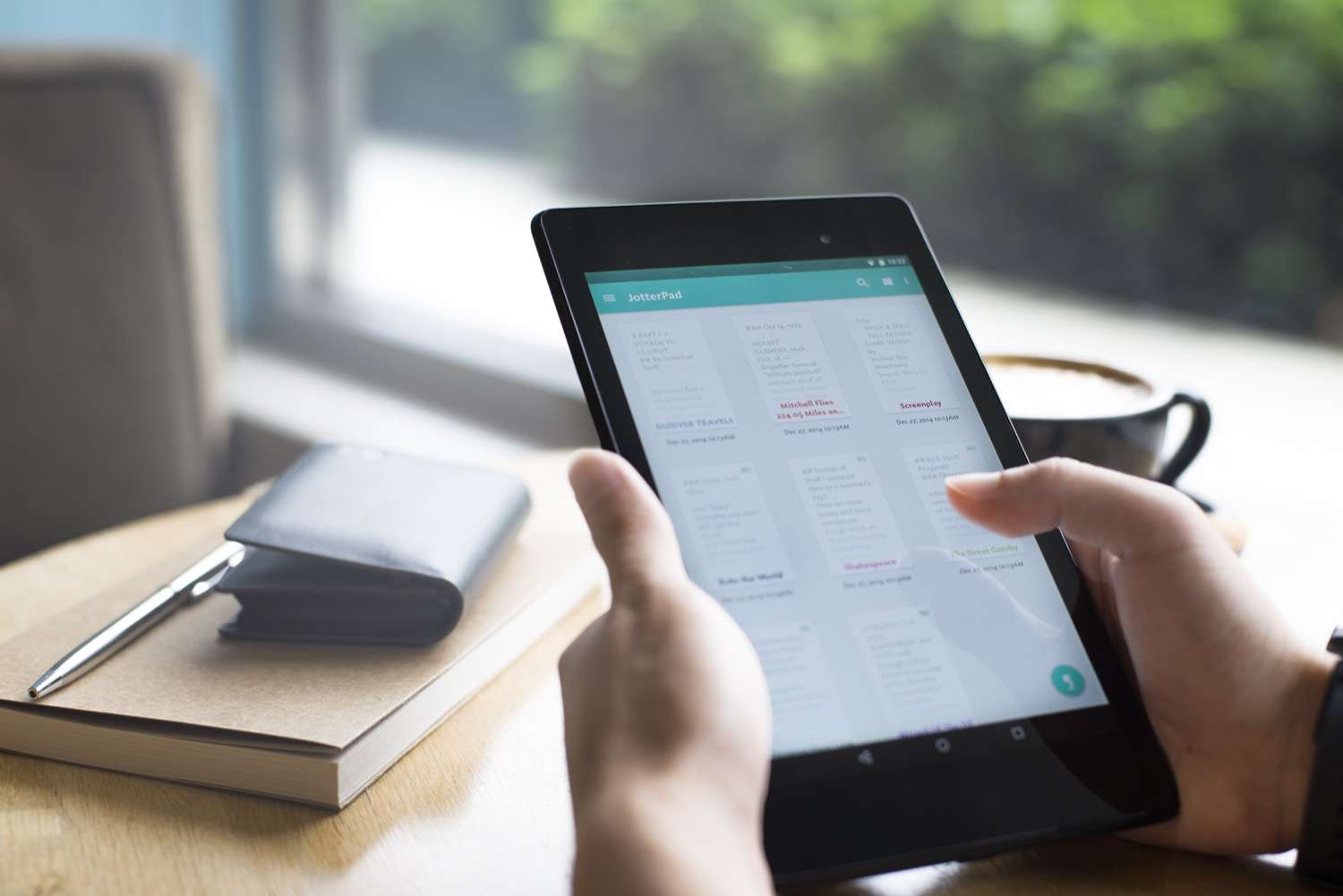 Jotterpad
 The first one is JotterPadand it is one of the best writing apps for Android. This app will give you various features to make your task easier and comfortable. This plain text editor helps in writing, drafting, revising and editing your creative work. Jotterpad has the user-friendly interface that helps in writing for a long time easily and quickly and also has a clean typing interface. The built-in dictionary is the main focal point that increases productivity. So, do prefer to download and install this app to become a good writer. Especially for Blogger or content writer, I recommend this app because it helps when you don’t have your PC with you.
2: Monospace ( Android )
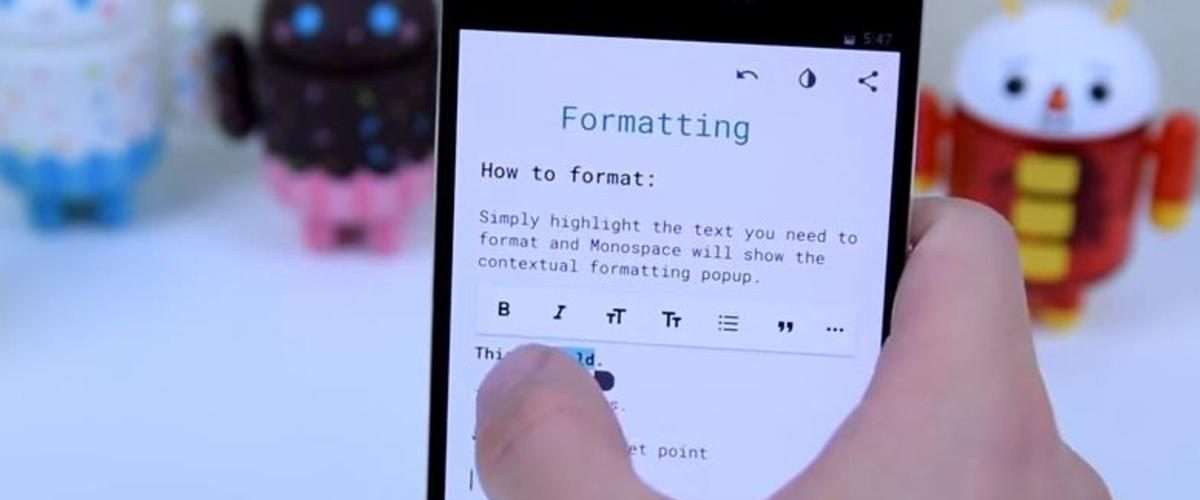 Monospace
 Monospace is a nice barebones writing app. One interesting feature is the ability to organize with hashtags instead of folders. The current version supports Dropbox sync as well. A monospaced font, also called a fixed-pitch, fixed-width, or non-proportional font, is a font whose letters and characters each occupy the same amount of horizontal space. This contrasts with variable-width fonts, where the letters and spacings have different widths.
3: Microsoft Word
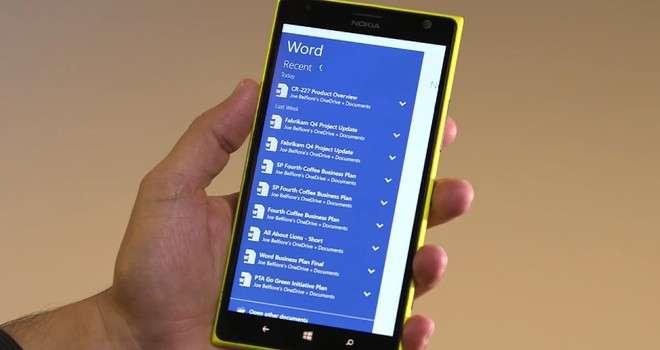 Microsoft Word
 Available for Android and iOS. The familiar Word app lets you create, edit, view and share your files with others quickly and easily. It also lets you view and edit Office docs attached to email messages. Work with anyone, anywhere with confidence. With Word, your Office moves with you. Therefore, Microsoft Word is available for the computer but for smartphones also, that it is now in stock for Android and IOS. I have the download link for both user Android and iOS simply click on the download button below.
Download for Android Download for iOS
4: Hanx Writer ( iOS )
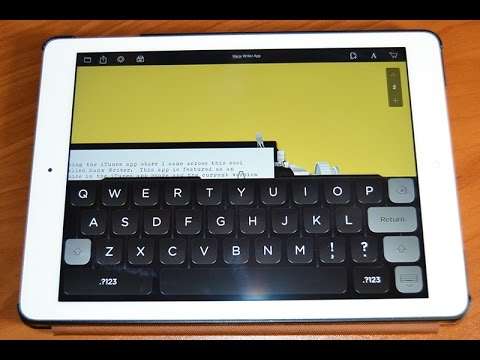 Hanx Writer
 we also have to add one of our favorite apps to this list. Hanx Writer – made by actor Tom Hanks – is not a great writing app in the same way that the others in this list are, but if you’re a fan of typewriters, and want to mail someone a letter that looks typewritten, then this app is a best great for you. it will not allow you to delete any text instead striking it out. the fewer options in stock actually allow you to pay attention to your typing. to top it off, I personally recommend you to use its application if you are interested in a typewriter. Then click on the link below to download it.
Best Writing Apps 2022
5: WerdSmith ( iOS )
 Werdsmith
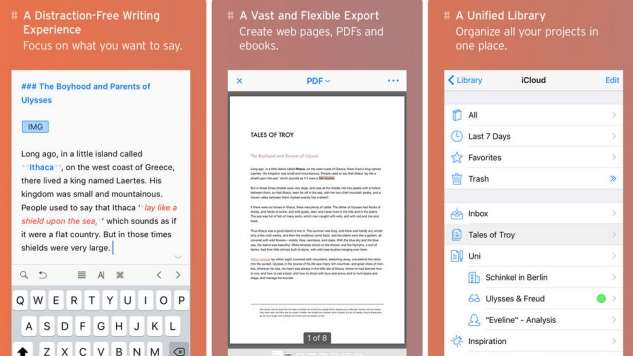
 If you want to write best novels or poems then you can do it with Werdsmith App you can create awesome novels and any other writing activities with best features. And once you have written novels then you can publish it online with this application. this application is in stock for IOS user. To download it click on the link below.
6: Day One Journal
 One Day Journal
 We have the best writing app is Day one Journal, it is popular in 2019 . So this app is the best besides that, it will store your track of data and whatever you are doing and saving it in Day One Journal app. It has the best feature while students are making any kind of document, application, story and any other tasks. Click on the download link below to download it for android and iOS.
Download for iOS Download for android
7: Keep My Notes
 Keep My Notes
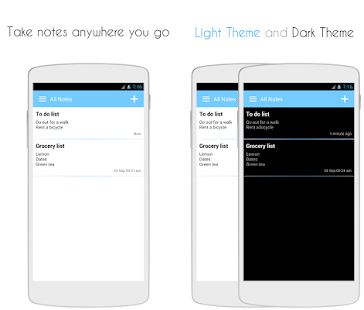
 Well, Keep My Notes is an Easy & Simple apps for writers free that you can use for quick note taking, for writing a diary or as a private notebook. This app actually contains many features and one of those is Offline notebook support which you can use to write on all the notes to remember without the need for internet connection. Download it from given download it.
8: Ainkloger
 Ainkloger
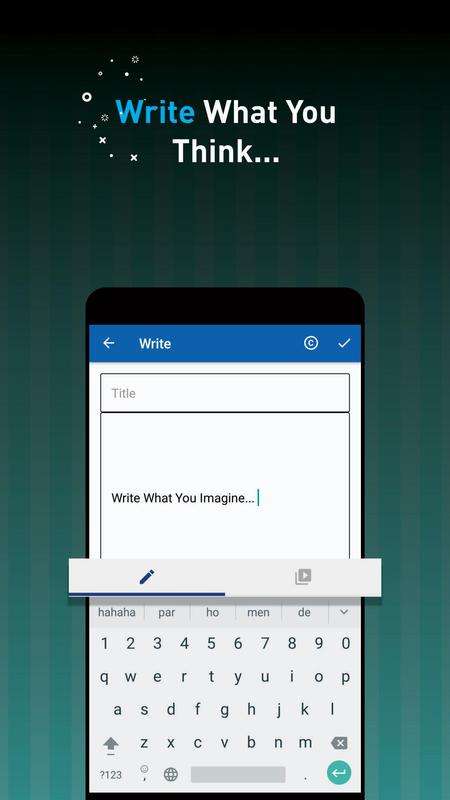
 Ainkloger is the last one and it is a relatively new Writing Apps For Android that’s available on the Google Play Store. Basically, Ainkloger allows users to write on pictures. So, the app is perfectly suited for writers, poets and for all those who want to give wings to their writing skills. You can add your text to any picture and can share it with the world through the app. Download it from the given link.
Best Writing Apps 2012
Conclusion:
So, these are the 8 Best Writing Apps For Android and iOS 2022, Read the description of all the apps that we discussed right above and download the one that you feel more convenient to use. Hope you like the article, do share with others too. Daily visit our website for the best tech learning point.
Share This Article
8 Best Free Writing Apps for Android and IOS 2022. In the 21st century as you know everyone is using smartphones android and iOS. Therefore, there is no need for Desktop or Laptop to write letters, documents, application or any other writing activities. Simply you can do it into your smartphones, I am going to introduce the 8 Best Free Writing Apps for Android and IOS 2022.
Here are the 8 best writing apps for iOS and Android according to us which is the best to write easily with your Android or iOS. they are something every writer should be aware of the writing apps. Whether you’re working on your novel, or just preparing reports for the office. Do you want to check out that because they are a big step up over the default notepad style apps and we are using the apps right which helped us write something without any problems.
8 Best Free Writing Apps for Android and IOS 2022
Let’s get started without wasting valuable time. I am going to guide one by one and the download link. All writing apps are easy and free to use whenever you need. Don’t need to waste money there are lots of free writing apps which I am going to introduce to you below.
Best Writing Apps 2022
1: JotterPad ( Android )
Jotterpad The first one is JotterPadand it is one of the best writing apps for Android. This app will give you various features to make your task easier and comfortable. This plain text editor helps in writing, drafting, revising and editing your creative work. Jotterpad has the user-friendly interface that helps in writing for a long time easily and quickly and also has a clean typing interface. The built-in dictionary is the main focal point that increases productivity. So, do prefer to download and install this app to become a good writer. Especially for Blogger or content writer, I recommend this app because it helps when you don’t have your PC with you.
2: Monospace ( Android )
Monospace Monospace is a nice barebones writing app. One interesting feature is the ability to organize with hashtags instead of folders. The current version supports Dropbox sync as well. A monospaced font, also called a fixed-pitch, fixed-width, or non-proportional font, is a font whose letters and characters each occupy the same amount of horizontal space. This contrasts with variable-width fonts, where the letters and spacings have different widths.
3: Microsoft Word
Microsoft Word Available for Android and iOS. The familiar Word app lets you create, edit, view and share your files with others quickly and easily. It also lets you view and edit Office docs attached to email messages. Work with anyone, anywhere with confidence. With Word, your Office moves with you. Therefore, Microsoft Word is available for the computer but for smartphones also, that it is now in stock for Android and IOS. I have the download link for both user Android and iOS simply click on the download button below.
Download for Android Download for iOS
4: Hanx Writer ( iOS )
Hanx Writer we also have to add one of our favorite apps to this list. Hanx Writer – made by actor Tom Hanks – is not a great writing app in the same way that the others in this list are, but if you’re a fan of typewriters, and want to mail someone a letter that looks typewritten, then this app is a best great for you. it will not allow you to delete any text instead striking it out. the fewer options in stock actually allow you to pay attention to your typing. to top it off, I personally recommend you to use its application if you are interested in a typewriter. Then click on the link below to download it.
Best Writing Apps 2022
5: WerdSmith ( iOS )
Werdsmith If you want to write best novels or poems then you can do it with Werdsmith App you can create awesome novels and any other writing activities with best features. And once you have written novels then you can publish it online with this application. this application is in stock for IOS user. To download it click on the link below.
6: Day One Journal
One Day Journal We have the best writing app is Day one Journal, it is popular in 2019 . So this app is the best besides that, it will store your track of data and whatever you are doing and saving it in Day One Journal app. It has the best feature while students are making any kind of document, application, story and any other tasks. Click on the download link below to download it for android and iOS.
Download for iOS Download for android
7: Keep My Notes
Keep My Notes Well, Keep My Notes is an Easy & Simple apps for writers free that you can use for quick note taking, for writing a diary or as a private notebook. This app actually contains many features and one of those is Offline notebook support which you can use to write on all the notes to remember without the need for internet connection. Download it from given download it.
8: Ainkloger
Ainkloger Ainkloger is the last one and it is a relatively new Writing Apps For Android that’s available on the Google Play Store. Basically, Ainkloger allows users to write on pictures. So, the app is perfectly suited for writers, poets and for all those who want to give wings to their writing skills. You can add your text to any picture and can share it with the world through the app. Download it from the given link.
Best Writing Apps 2012
Conclusion:
So, these are the 8 Best Writing Apps For Android and iOS 2022, Read the description of all the apps that we discussed right above and download the one that you feel more convenient to use. Hope you like the article, do share with others too. Daily visit our website for the best tech learning point.