

Free 3D Logo Mockups: Realistic Logo Mockups Download 2020
 Azaz Shaikh
Free 3D Logo Mockups Download 2020. They are an interesting way to show your logo like 3D to your client. If you work in freelancing or another online platform because it is very necessary. Some of the designers really work hard but it will look attractive to the client so it is best to make your logo 3D to look attractive for the client in order to be accepted. If you are freelance designers then you must to how to make 3D logo mockups. There is a lot of websites that you can download them easily. So the same you can download from our website and as well as the process which you can use your logo with photoshop. Step by step guide how to use logo mockups with photoshop as a PSD file.
How to use 3D logo mockups:
Every 3D logo mockups have its own layer which you can easily edit it by double-click on the layer. The new document will appear so you need to hide the layer which is by default then you have to create your own layer and open the logo which you want to be in 3D form. Once you have done then you can save that by click Ctrl + S after that close the document and you will see your 3D is created in the original file. After that, you need to change its format into JPG and you can easily use everywhere so if you send it to your client then surely they will be happy seeing your logo.
Also, check:
Enable Dark Mode Theme on Windows 10 Speed Up WordPress Websites and Run Faster 4x
Download 3D logo mockups:
Here I will provide you 6 best logos which everyone is using nowadays. So you need to click on the download button which is a direct download link as a PSD file.
Leather Logo-mockup:
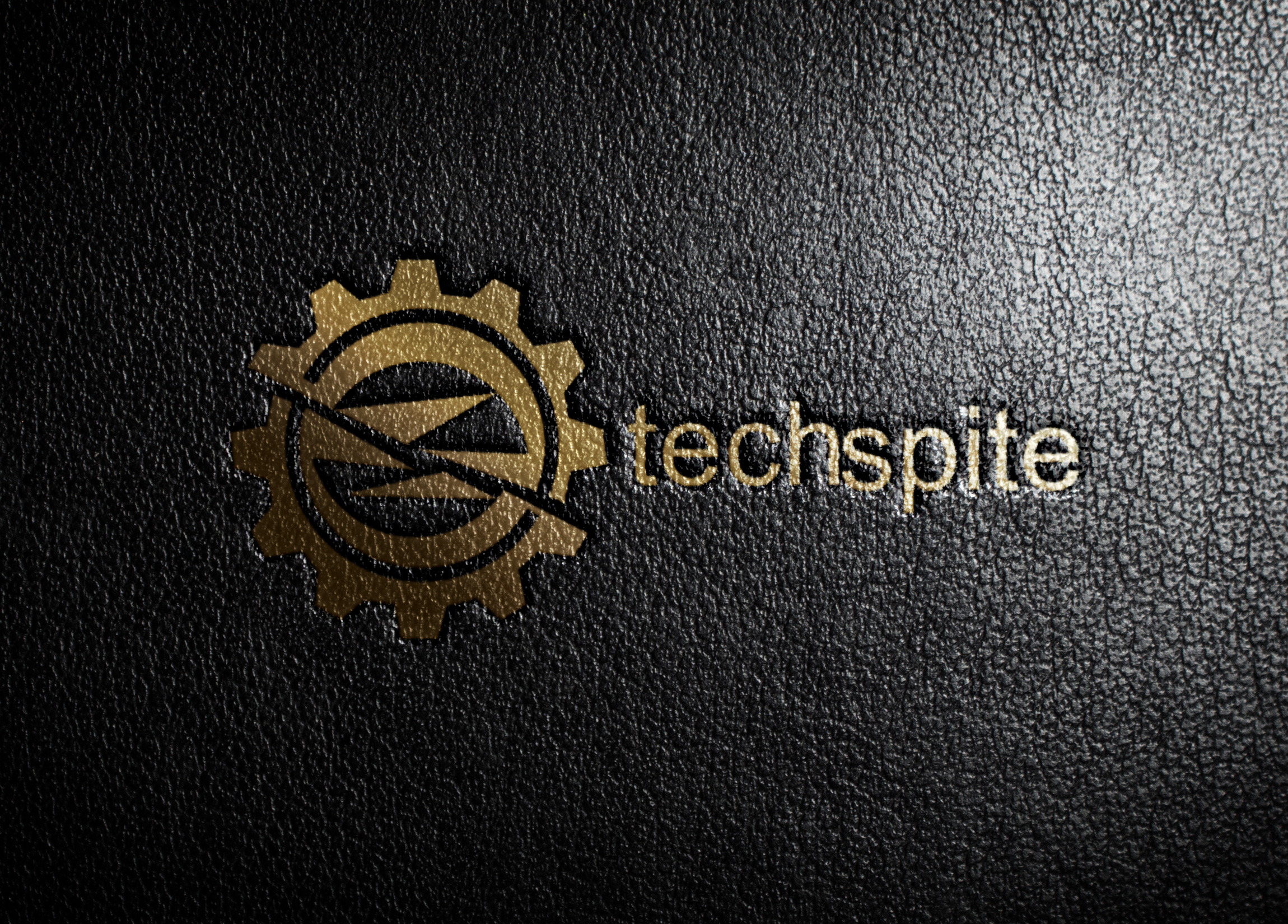 Leather Logo-mockup:
 Now, this mockup looks very interesting and attractive for everyone especially for the click which you have made the logo for. Therefore, download it just by clicking on the download button and it is the direct download link.
Paper Edition logo-mockup:
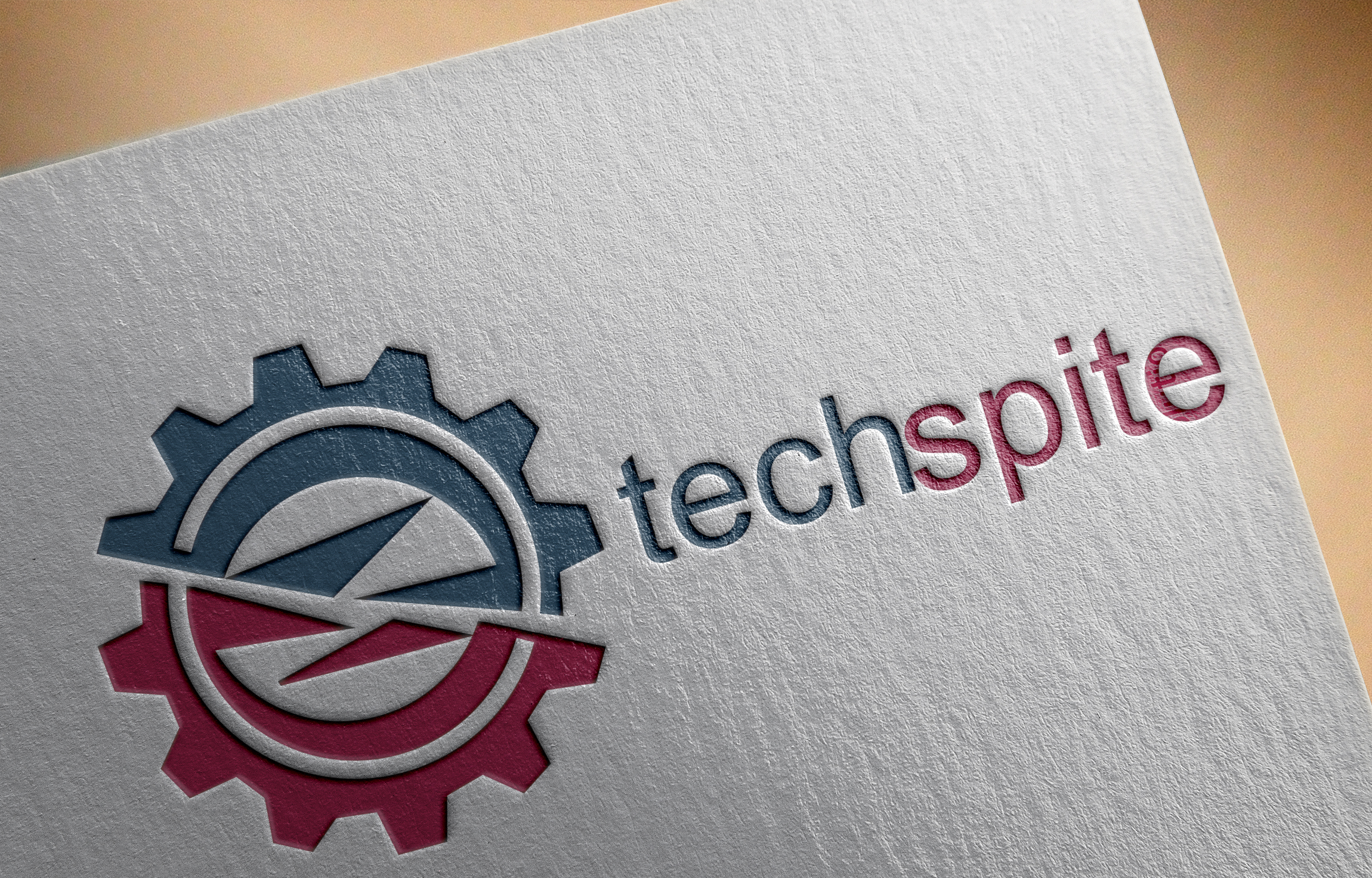 Paper edition
 This mockup is one of the best to display and it looks like a professional for everyone. Some of the people really like this mockup. download it just by clicking on the download button and it is the direct download link.
Wall 3D logo-mockup:
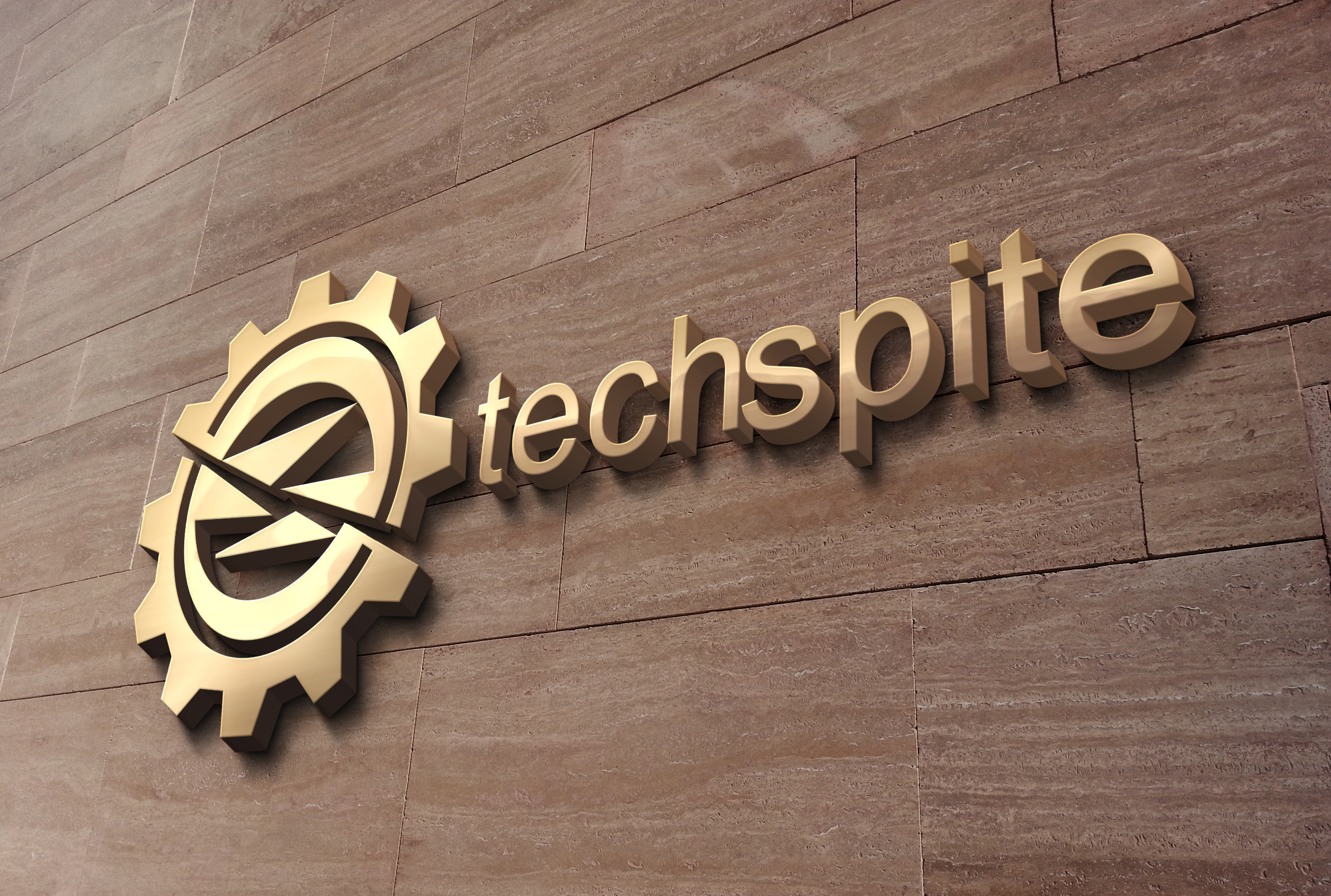 Wall 3D
 This wall 3D logo mockup looks very enjoyable when you put your logo on the wall in the 3D form. And very easy to edit it. download it just by clicking on the download button and it is the direct download link.
Free logo mock-up:
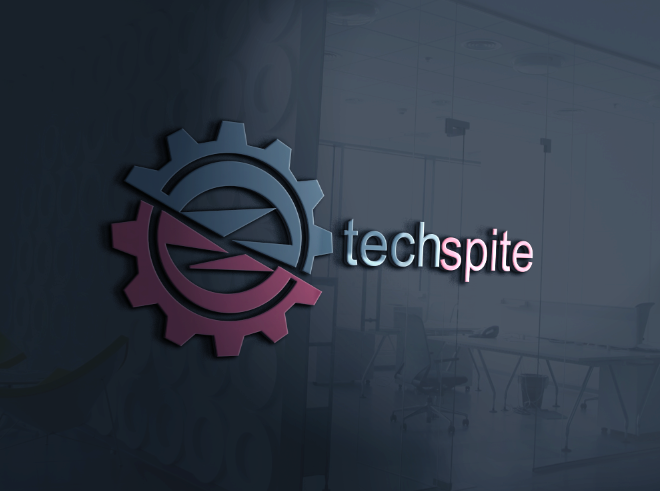 Free PSD logo
 Most of the designers use this logo mockup because of mostly client like this mockup. And it looks amazing if you are a logo designer so I recommend you to use this mockup to make your logo professional. download it just by clicking on the download button and it is the direct download link.
Wood Engraved logo mockup:
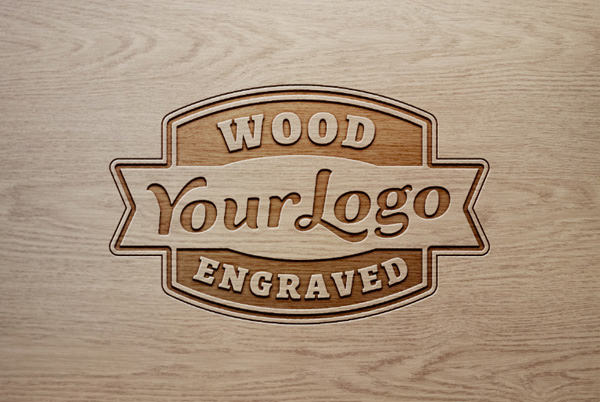 Wood Engraved logo
 This mockup is especially for wood companies and it is also suitable for restaurants. Because it looks so simple and amazing for these companies. download it just by clicking on the download button and it is the direct download link.
Cutout Logo mockup:
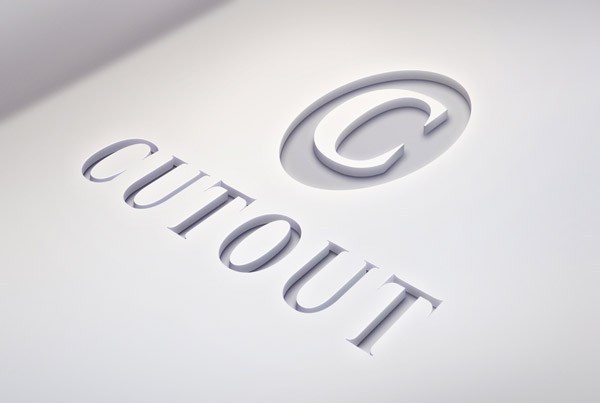 Cutout logo
 Your logo should be in grey color in order to use this mockup. And it looks very clean and simple. It is useable with any text, shape, logo, etc. download it just by clicking on the download button and it is the direct download link.
Conclusion:
It was Free 3D Logo Mockups Download 2020 which you can use it on a daily basis. You can try if you want to make your logo 3D. Hopefully, you like it. If you had any questions regarding this article so feel free to comment. If you want more like this article daily visit our website.
Tagged
Share This Article
Free 3D Logo Mockups Download 2020. They are an interesting way to show your logo like 3D to your client. If you work in freelancing or another online platform because it is very necessary. Some of the designers really work hard but it will look attractive to the client so it is best to make your logo 3D to look attractive for the client in order to be accepted. If you are freelance designers then you must to how to make 3D logo mockups. There is a lot of websites that you can download them easily. So the same you can download from our website and as well as the process which you can use your logo with photoshop. Step by step guide how to use logo mockups with photoshop as a PSD file.
How to use 3D logo mockups:
Every 3D logo mockups have its own layer which you can easily edit it by double-click on the layer. The new document will appear so you need to hide the layer which is by default then you have to create your own layer and open the logo which you want to be in 3D form. Once you have done then you can save that by click Ctrl + S after that close the document and you will see your 3D is created in the original file. After that, you need to change its format into JPG and you can easily use everywhere so if you send it to your client then surely they will be happy seeing your logo.
Also, check:
Enable Dark Mode Theme on Windows 10 Speed Up WordPress Websites and Run Faster 4x
Download 3D logo mockups:
Here I will provide you 6 best logos which everyone is using nowadays. So you need to click on the download button which is a direct download link as a PSD file.
Leather Logo-mockup:
Leather Logo-mockup: Now, this mockup looks very interesting and attractive for everyone especially for the click which you have made the logo for. Therefore, download it just by clicking on the download button and it is the direct download link.
Paper Edition logo-mockup:
Paper edition This mockup is one of the best to display and it looks like a professional for everyone. Some of the people really like this mockup. download it just by clicking on the download button and it is the direct download link.
Wall 3D logo-mockup:
Wall 3D This wall 3D logo mockup looks very enjoyable when you put your logo on the wall in the 3D form. And very easy to edit it. download it just by clicking on the download button and it is the direct download link.
Free logo mock-up:
Free PSD logo Most of the designers use this logo mockup because of mostly client like this mockup. And it looks amazing if you are a logo designer so I recommend you to use this mockup to make your logo professional. download it just by clicking on the download button and it is the direct download link.
Wood Engraved logo mockup:
Wood Engraved logo This mockup is especially for wood companies and it is also suitable for restaurants. Because it looks so simple and amazing for these companies. download it just by clicking on the download button and it is the direct download link.
Cutout Logo mockup:
Cutout logo Your logo should be in grey color in order to use this mockup. And it looks very clean and simple. It is useable with any text, shape, logo, etc. download it just by clicking on the download button and it is the direct download link.
Conclusion:
It was Free 3D Logo Mockups Download 2020 which you can use it on a daily basis. You can try if you want to make your logo 3D. Hopefully, you like it. If you had any questions regarding this article so feel free to comment. If you want more like this article daily visit our website.


![How To Fake GPS Location on iPhone Without Jailbreaking [2023]](/_next/image?url=https%3A%2F%2Fwriteflow-media.s3.amazonaws.com%2Fsites%2F16%2Fmedia%2F2025%2F10%2Fgps-location-feature-wlaR2F.webp&w=3840&q=75)